
The Hidden Cost of Shared Drive Chaos
PLC and HMI logic runs the production line, yet most sites still manage it as renamed files in someone's shared-drive folder. A look at why existing version-control tools don't close the gap, and how AI-assisted documentation turns tribal knowledge into a searchable record.
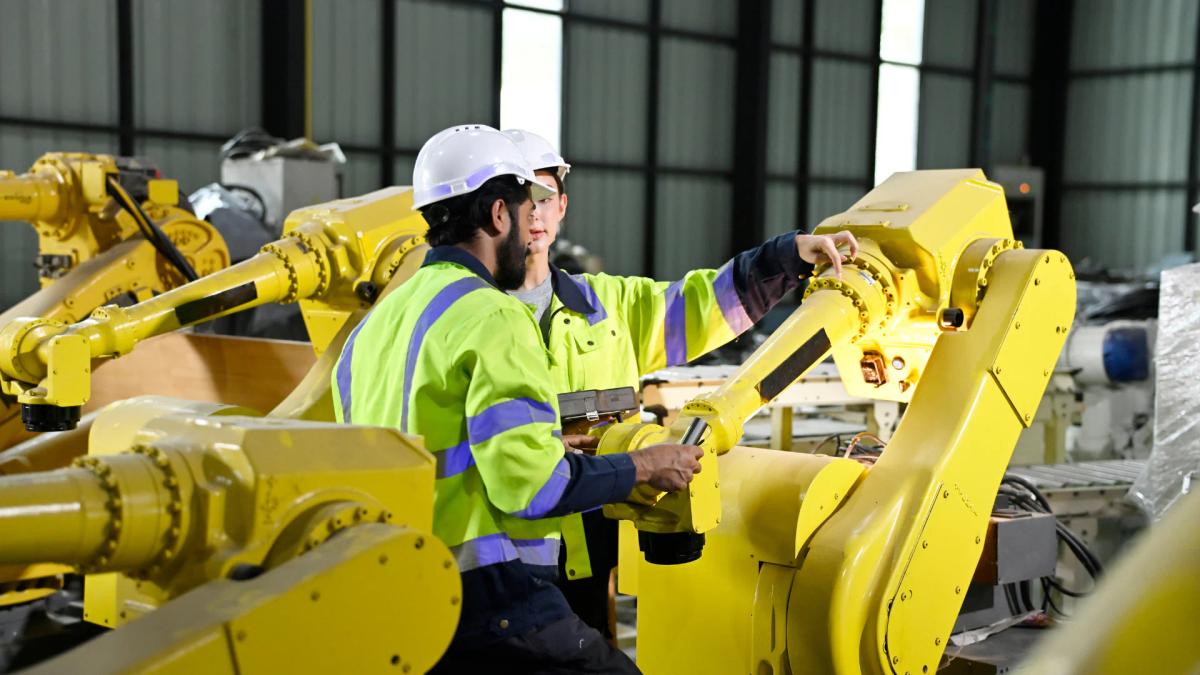

Why PLC/HMI version control is an industrial AI execution problem
Before diving in, a quick note on terminology. PLCs (Programmable Logic Controllers) are industrial-grade computers that automate machinery and production processes. They continuously read inputs from sensors and execute control programs to drive motors, valves, and actuators. HMIs (Human–Machine Interfaces) are the operator screens or panels that display real-time process data and allow staff to start/stop equipment, change setpoints, and acknowledge faults. Together, PLCs and HMIs form the control backbone of most factory automation.
In industrial automation, production depends on logic that lives inside these PLCs and HMIs. These programs control conveyors, presses, robots, and entire production lines. Yet in many facilities, the documentation and version control for this critical software remains surprisingly informal.
One of the most common answers to "Where is the latest PLC program?" is still: "Somewhere on the shared drive. Maybe in Joe's folder. The one who left three years ago."
Across automation teams, PLC and HMI documentation often means programs stored as ad-hoc renamed files, no formal versioning, and institutional knowledge disappearing when people move on.
For many teams, this isn't just messy—it's expensive. Lost versions, undocumented logic changes, and "last_good_final_v4" files translate directly into downtime, rework, and risk.
This post outlines the real-world state of PLC/HMI documentation, why existing tools don't fully solve the problem for many sites, and how an AI-assisted documentation and change-tracking layer can reduce risk now.
What we see in practice: how shops actually handle PLC/HMI backups
Across industrial automation teams, PLC and HMI documentation still often looks like this:
Manual, file-based workflows dominate. Many teams rely on shared drives with naming conventions such as: X:\Work\customers\site\code\device\YYYYMMDD_xx.extension or, more commonly: X:\Joe(old guy)\random\PLC\date_version2_last_good_noreally_good_John_v4.acd
Backups are often an afterthought. In many facilities, server and accounting data are backed up regularly, but the machine logic that controls production—often representing hundreds of thousands of dollars in equipment—has no formal backup or version history.
Enterprise tools exist but are expensive. Teams managing large footprints (for example, multiple distribution centers with thousands of PLCs plus HMIs, scanners, VFDs, and other devices) report quotes in the $150k–$300k/year range for solutions like Copia and Octoplant (ex-Versiondog). That's well above what many mid-sized operations can justify for "just backup and version history."
Discipline matters more than tooling. Even with platforms like AssetCentre in place, engineers note that "without discipline, every versioning system will turn into rot eventually." Tools help, but they don't replace governance and consistent habits.
The pattern is clear: many sites are stuck between chaotic shared drives and enterprise platforms priced for much larger scales.
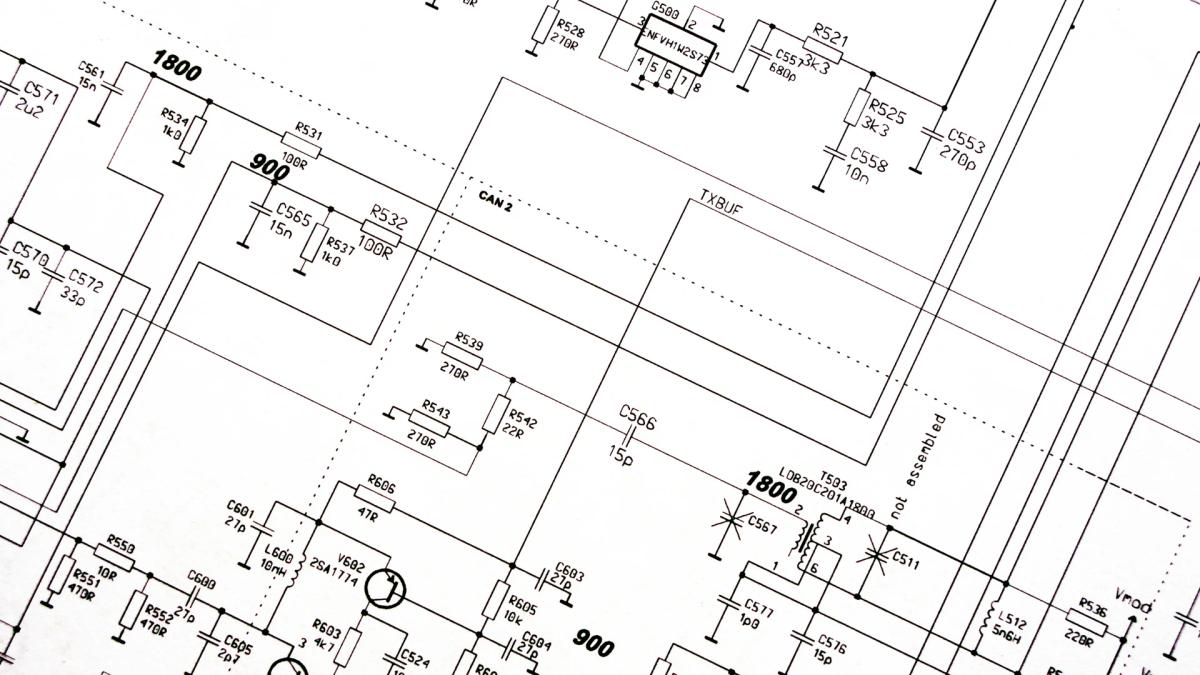
Why this hurts more than it looks
The costs of weak PLC/HMI documentation and version control are often hidden until something breaks:
Lost working versions. Overwritten files or missing backups force teams to reconstruct logic from live PLCs under pressure—or worse, guess.
Reverse-engineering departed engineers' logic. When the person who wrote the code is gone and comments are sparse, troubleshooting becomes slower, riskier, and more dependent on undocumented know-how held by a few individuals.
Change without context. Teams can see that a program changed, but not why, by whom, or what problem it solved. That makes future changes more dangerous and compliance harder.
Duplicated work. Different engineers "solve" the same issues repeatedly because prior solutions live only in old tickets, local folders, or memory.
In regulated or safety-critical environments, these issues also create audit and compliance exposure: who changed what, when, and with what justification?
Where current tools fit—and where they leave gaps
Industrial automation already has a mature category of backup and version-control platforms:
Rockwell AssetCentre, Copia Automation, Octoplant (ex-Versiondog), and similar tools provide: - Automated PLC/HMI backups from live devices - Version history and comparison - Access control and audit trails - Integration with IT/OT infrastructure
These are powerful, but:
Cost and complexity can be prohibitive for mid-sized operations or multi-site teams with thousands of devices. Quotes in the high five to six figures annually are common.
They focus on files and versions, not meaning. You can see that Program_v7.acd differs from Program_v6.acd, but not what the change means in plain language, or how it relates to a specific fault, alarm, or process change.
They don't turn legacy chaos into structured knowledge. Existing "rename-and-save" archives remain hard to interpret; tools don't automatically generate human-readable documentation or link logic changes to operational events.
This creates an opportunity for an AI-assisted documentation and change-tracking layer that works with whatever backup approach a site already has—shared drives, basic scripts, or enterprise platforms like AssetCentre or Octoplant.
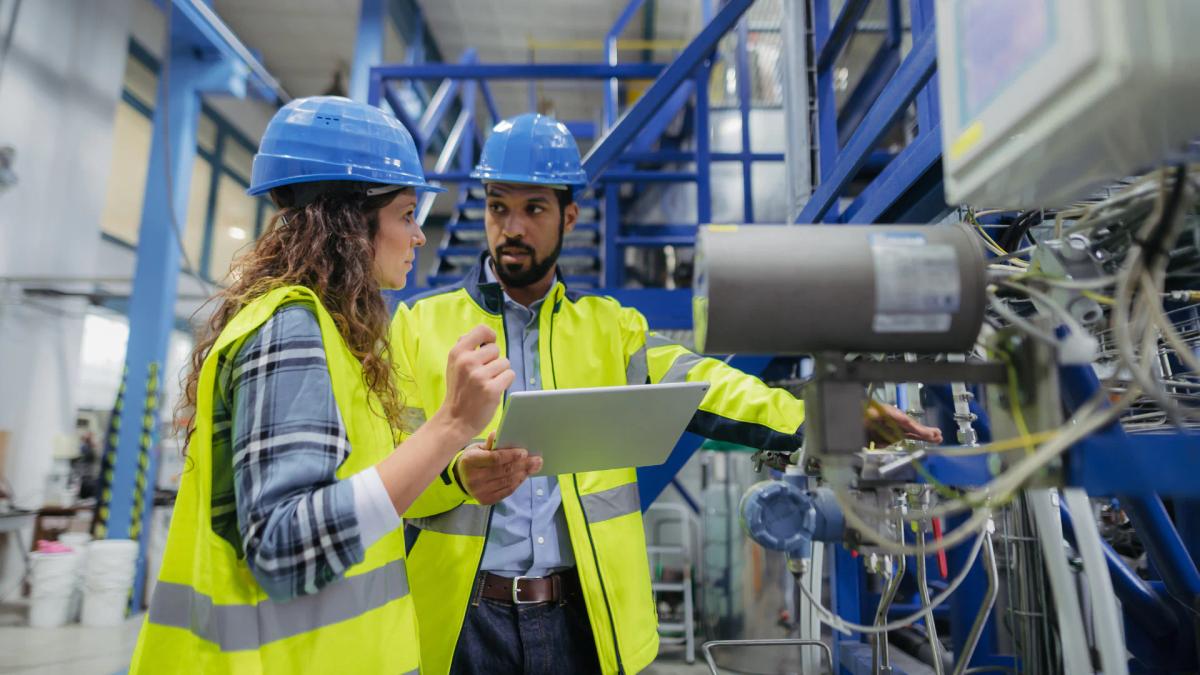
AI-Assisted PLC/HMI Documentation and Change Tracking
INSUS's approach to this use case is not "another chatbot for engineers." It's an industrial AI execution capability that sits on top of your existing PLC/HMI artifacts and engineering change data to:
Ingest PLC/HMI project files (e.g., Rockwell ACD/MER, Siemens TIA Portal exports, other vendor formats) from shared drives, backup repositories, or version-control systems.
Detect and compare versions automatically, identifying logic changes between releases (e.g., new rungs, modified interlocks, changed setpoints, alarm thresholds).
Generate structured, human-readable documentation, including: - High-level descriptions of what each program or HMI screen does - Summaries of changes between versions ("Added safety interlock on conveyor 3; increased press timeout from 5s to 8s") - Links to specific files, timestamps, and, where available, change requests or work orders
Preserve institutional knowledge by converting "Joe's folder" into a searchable, source-linked record that new engineers can understand without needing the original author.
Integrate with existing workflows, whether that's a disciplined folder structure, Git-based PLC version control, or an enterprise platform like AssetCentre or Octoplant.
Technically, this is a RAG-based (retrieval-augmented generation) system tuned for industrial automation:
It retrieves relevant PLC/HMI files, change histories, and associated engineering records. It uses AI to summarize, compare, and explain changes in plain language. It always ties statements back to concrete artifacts (file paths, versions, timestamps) so engineers can verify, not just trust.
The goal is not to replace version-control platforms, but to make whatever you already have far more useful—especially when staff turnover, multi-site complexity, or legacy archives make raw files hard to interpret.
How this helps in real scenarios
1. We lost the last good version—can we rebuild it?
Instead of manually hunting through folders or trying to reconstruct logic from a live PLC, the AI assistant can:
Enumerate available versions of a program across drives or repositories. Highlight differences between them and flag which versions were marked "last_good," "production," or similar. Generate a concise summary of what changed between candidate versions to help engineers choose the best baseline for recovery.
2. What did we actually change after the last incident?
After a fault or near-miss, teams often tweak logic but don't document why. The assistant can:
Compare pre- and post-incident program versions. Produce a plain-language change log: which rungs, tags, or HMI elements were modified, and when. Link those changes to incident tickets, maintenance notes, or shift logs if available.
3. How do we onboard new engineers without Joe?
New hires inherit machines with logic written by people who are long gone. The assistant can:
Generate "program passports" for key assets: purpose, major functions, known quirks, and evolution over time. Answer questions like "Have we seen this alarm pattern before on this line?" by searching across documented changes and historical notes.
4. We're evaluating AssetCentre/Octoplant—how do we get the most value from them?
As part of implementing or optimizing these platforms, INSUS teams can apply AI documentation and change tracking to:
Run the AI documentation layer over existing archives to quantify how much logic is undocumented, how many versions exist per asset, and where knowledge is concentrated. Use those insights to size the real need for automated backup, access control, and audit features—versus better documentation and change understanding.
The INSUS approach: from AI pilot to operational capability
INSUS treats PLC/HMI documentation and change tracking as an industrial AI execution challenge, not a generic generative AI demo.
Key elements:
Grounded in your artifacts. The system works from your actual PLC/HMI files, backups, and engineering records—not from open-ended internet knowledge.
Source-linked answers. Every summary or explanation is tied to specific files, versions, and timestamps, so engineers can verify and audit.
Designed for fragmented landscapes. It assumes messy realities: multiple sites, mixed vendors, legacy systems, and partial discipline. It's meant to improve what exists, not require a greenfield rollout.
Governance-aware. The solution can be configured to respect access controls, approved sources, and change-management processes, aligning with broader AI governance and OT security requirements.
Deployment typically starts with:
1. A focused set of lines, cells, or sites. 2. Ingestion of existing PLC/HMI archives and change data. 3. Validation with engineers on the clarity and accuracy of generated documentation. 4. Gradual expansion across more assets and integration with formal backup/version platforms where present.
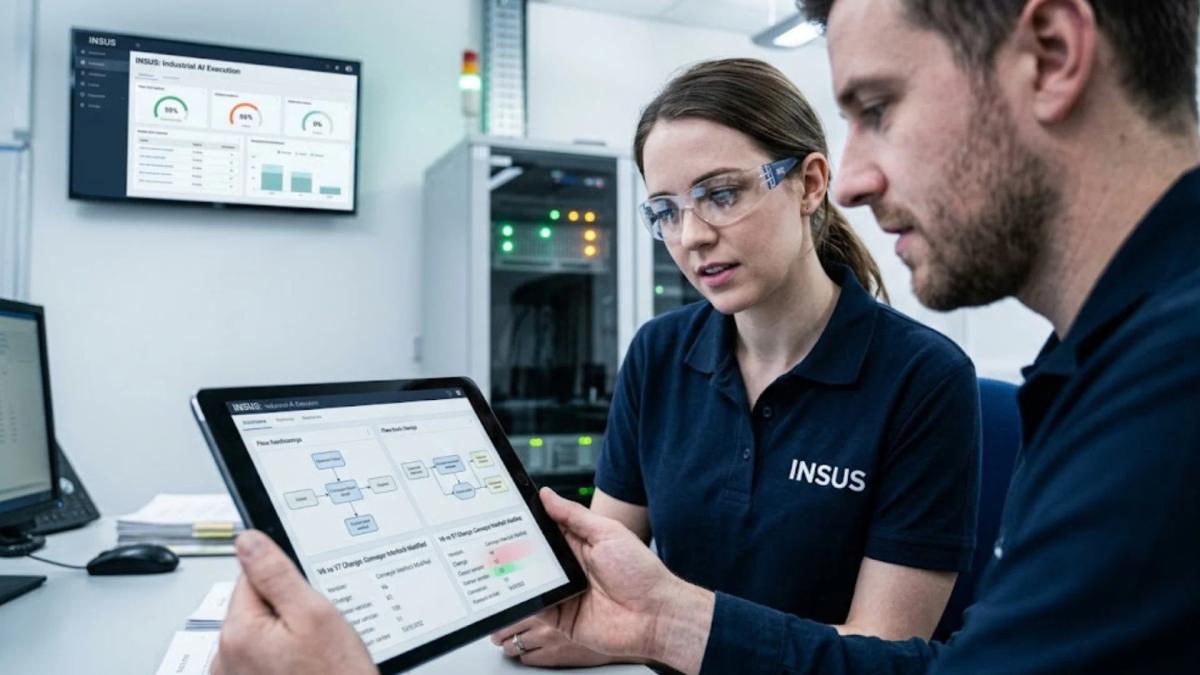
Expected operational value
For industrial automation teams, AI-assisted PLC/HMI documentation and change tracking can deliver:
Faster recovery from failures by making it easier to identify the last known-good version and understand what changed.
Reduced reverse-engineering burden when original authors are unavailable, cutting downtime and onboarding time.
Better change visibility for audits, compliance, and safety reviews, with clear, human-readable records of logic evolution.
More leverage from existing tooling, whether that's disciplined folder structures, Git-based workflows, or enterprise platforms like AssetCentre and Octoplant.
The value doesn't come from generating more content. It comes from making the knowledge you already have accessible, understandable, and reusable.
Turn shared drive chaos into an engineering asset
PLC and HMI programs are core intellectual property—yet in many plants they live as renamed files on a shared drive, with context locked in people's heads.
INSUS helps industrial teams transform that situation with an AI-assisted PLC/HMI documentation and change-tracking capability that:
Analyzes existing PLC/HMI project files and engineering changes. Generates structured, human-readable documentation. Identifies and explains logic changes between versions. Maintains an auditable, source-linked engineering record.
This complements your backup and version-control strategy—whether that's basic discipline on a shared drive or a full enterprise platform—by turning raw files into usable engineering knowledge.
Ready to see how AI-assisted documentation could reduce risk and speed up troubleshooting in your environment? Explore INSUS's industrial AI capabilities at insus.ch or request a discussion to walk through your current PLC/HMI documentation and change-management practices.
Where to start
Documentation only closes the risk gap if it's grounded in your actual PLC/HMI files, not generic AI guesses. That is what INSUS's AI-assisted documentation layer is built for automatic version comparison, source-linked change summaries so every explanation cites the file and timestamp behind it, and program passports that make sense of a machine without needing the engineer who built it.
If you want to see how much of your PLC/HMI logic is currently undocumented, talk to our team.